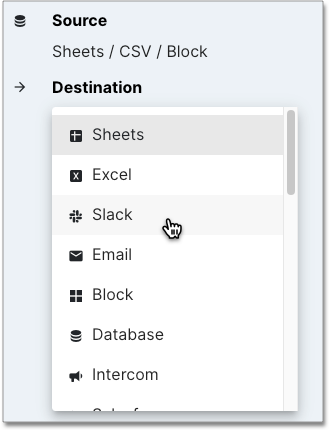
Slack Alerts Prerequisites Sign in to your company’s Slack account and authorize the app. Add Slack as a destination Within your SQL block, select the current destination and choose Slack from the drop-down. Select the channel. Run your SQL again to send to the designated Slack channel.