Triggers
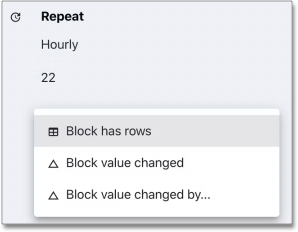
You can use Triggers (or conditions) to prevent the execution of a scheduled job. For example, if you had a query that was scheduled to run every 5 minutes and send an email, you could add a trigger that must be met before the email is actually sent. There are three types of triggers:
-
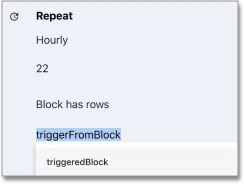
"Block has rows" checks if another block is currently returning rows.
-
"Block value changed" will check if one of the columns in another block has changed since the last run.
-
"Block value changed by…" allows you to define a custom JavaScript Conditional (ternary) operator. The current and previous results are available to the operator as
curandprev.For example, if you had a column in the trigger block called "users" and you wanted to check if users increased 10% since the last run, you could use the ternary:
cur.users > prev.users * 1.1 ? true : false
| You can only use blocks that are titled and return exactly one row for the "trigger block". |