Copy a Liveboard
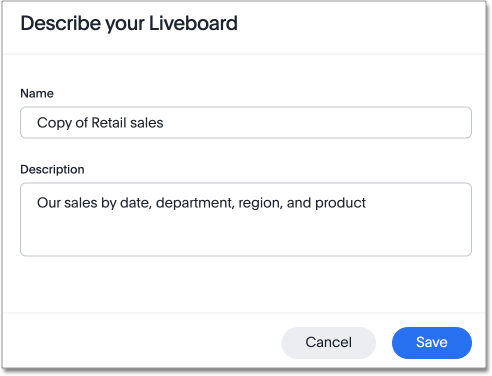
You can make a copy of a Liveboard if you want to edit it without overwriting the original Liveboard. When you save a copy, you can use a new Liveboard name.
-
Go to the Insights tab.
-
Select Liveboards.
-
On the Liveboard list page, select the Liveboard you would like to copy.
-
Click the more options icon
 and select Make a copy.
 -
Give your Liveboard a new name and description, and then select Save.