Getting started for end users
When you begin using ThoughtSpot, the onboarding process starts automatically and guides you through a few basic scenarios.
Usually, you receive an email welcoming you to the onboarding process at ThoughtSpot.
To repeat user onboarding, see Revisit onboarding.
How onboarding works
Your onboarding experience begins when you sign in for the first time.
The initial welcome screen allows you to choose which path you want. Two options are available:
-
Search and analyze data to help inform my business decisions.
-
Set up data connections, define relationships, and create worksheets to help my team search and analyze data.
The first option is designed for end users. The second one is for analysts. For more information about analyst onboarding, see Analyst onboarding.
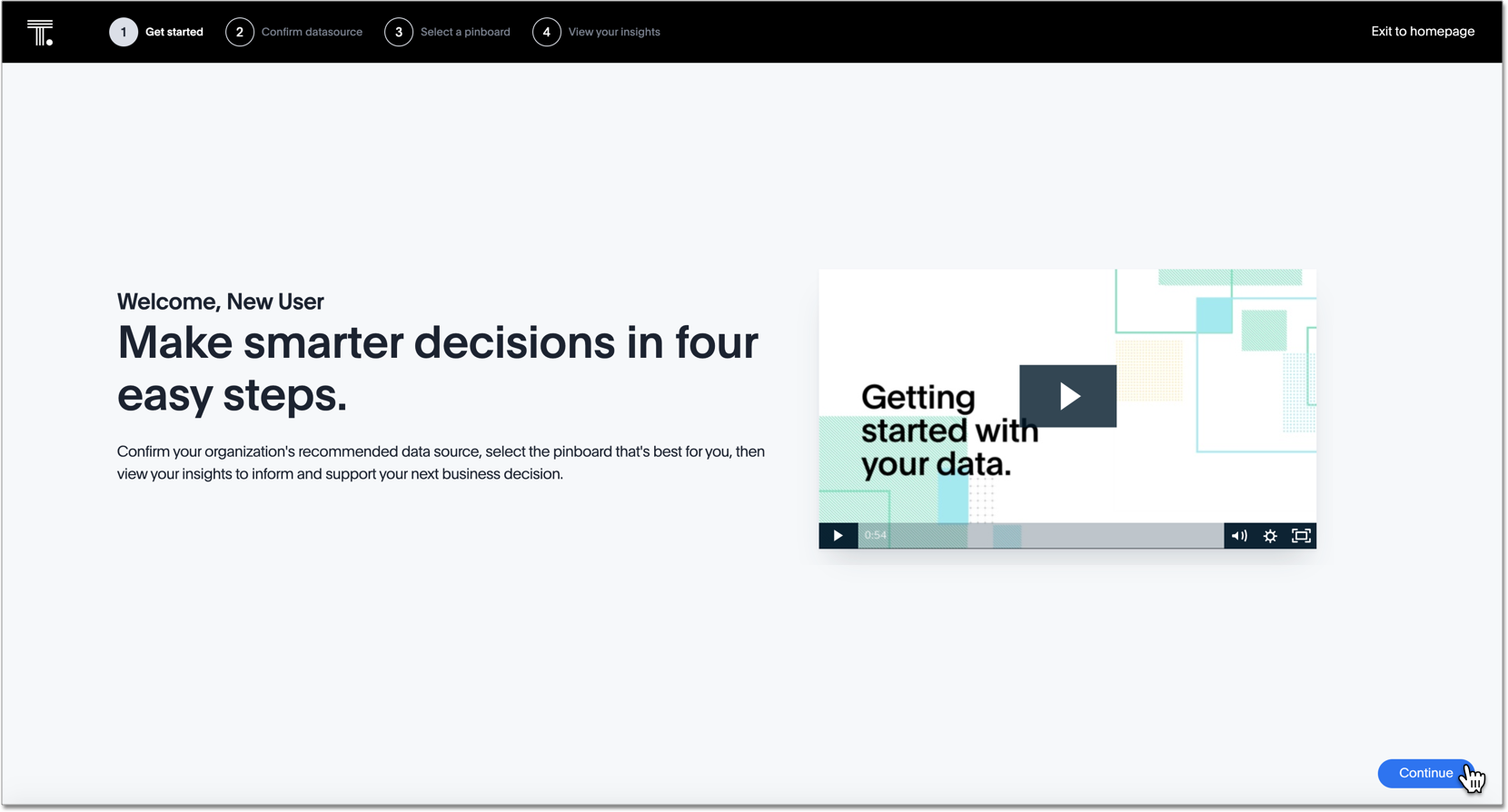
Onboarding for end users
-
Choose Search and analyze data to help inform my business decisions.
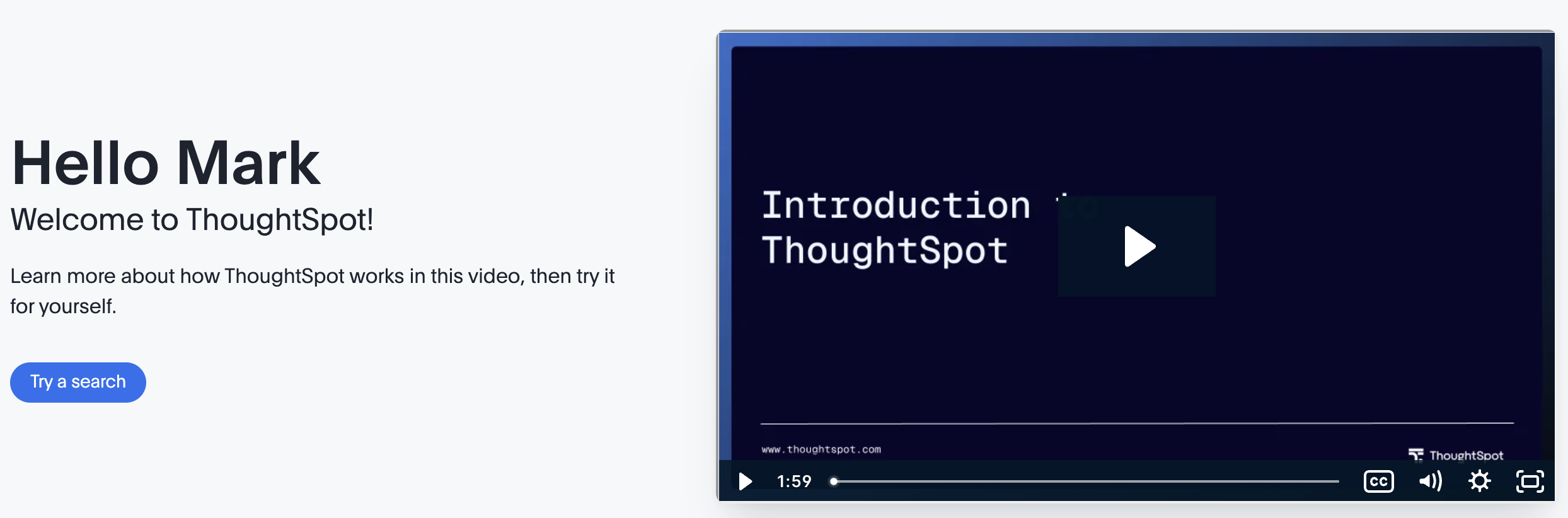
You’ll see this screen:
-
(Optional) Watch the Introduction ThoughtSpot video.
-
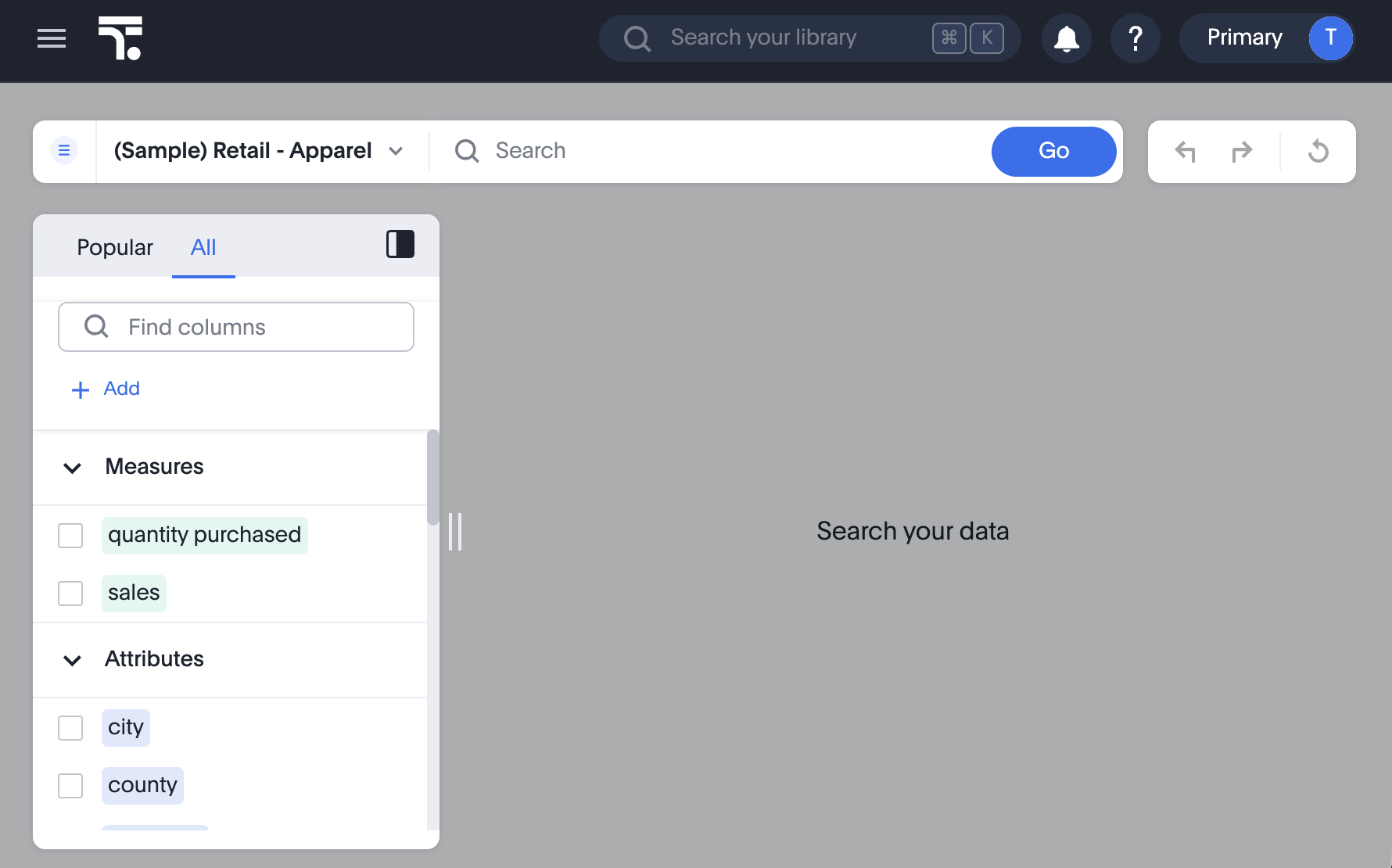
Click Try a search.
The search data panel appears
-
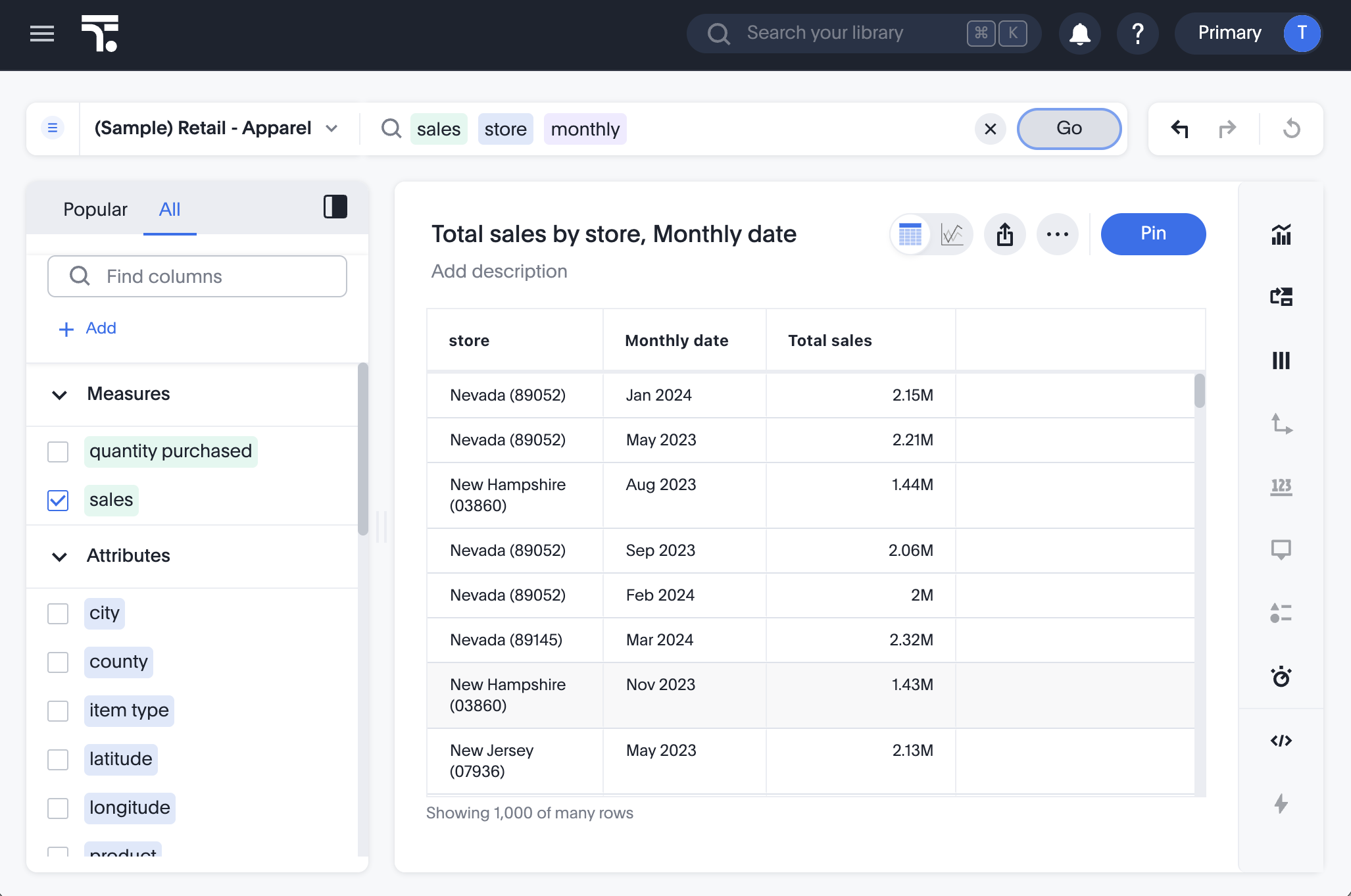
In the search bar, enter a search and click Go.
Example search:
-
(Optional) Click the Pin button to create a Liveboard of your Answer.
-
Choose whether to add it to an existing Liveboard or create a new Liveboard, then click Pin again.
-
To view your Liveboard, click View Liveboard at the bottom of the screen.
Alternatively, you can hover over the menu in the upper-left part of the screen, and click Liveboards in the slide-out panel, which takes you to the Liveboards listing page, where you can find your Liveboard.
-
Repeating the onboarding process
[Optional] Any user can repeat their onboarding experience at any time. Simply select Profile from the user icon in the upper-right corner of the upper navigation bar, and under Experience, select Revisit onboarding experience. See Revisit onboarding experience.
If you are a new user and you did not experience onboarding, please contact your administrator and request that they configure it for you and other new users.
You can always get additional help. As you start to use ThoughtSpot, we recommend that you review More help and support.